.png?width=250&height=58&name=NDT_horiz_reverse%20(2).png)
The My Team tab allows you to connect with our service team.
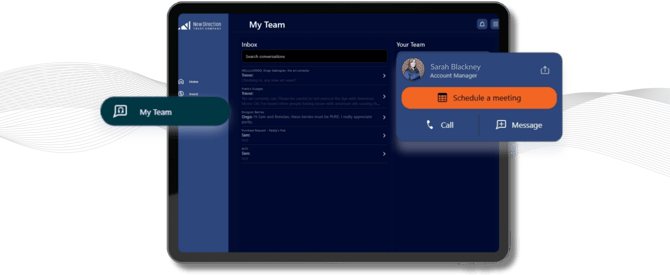
Schedule a meeting allows you to select a date and time for a call with your account manager
Call allows you to dial our service team.
Screen Share Icon - the small icon to the right of your account manager's name will allow you to share your screen while on a call with a member of our team.
Message allows you to craft a new message or upload documents. Simply select the account and topic your message relates to, enter a subject, the contents of your message, and upload any relevant documents and hit "Start Conversation."
Inbox allows you to see, search, and respond to previous/existing message threads. To open or respond to a message simply click the message and hit reply to send a response.