.png?width=250&height=58&name=NDT_horiz_reverse%20(2).png)
View, filter, and export completed transaction history within the NDTCO platform.
 How to find and export a list of transactions:
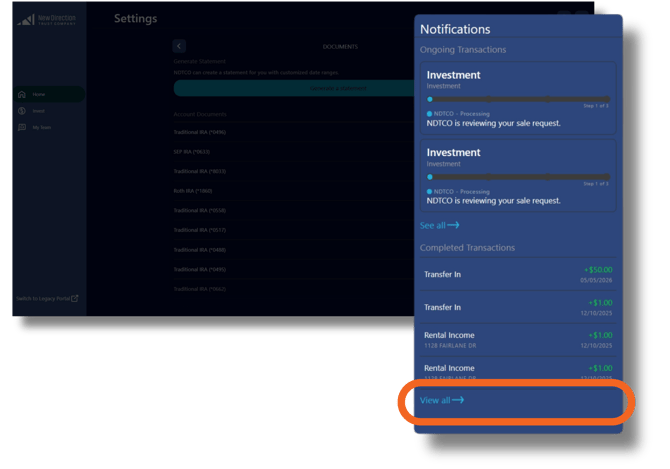
- Click bell icon in the top right for recent transactions summary.
- Select View All at bottom for complete transaction list.
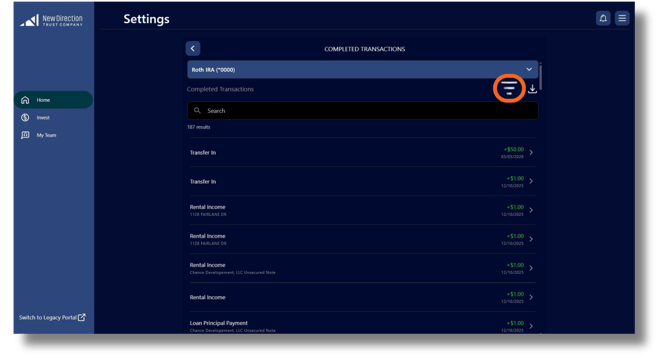
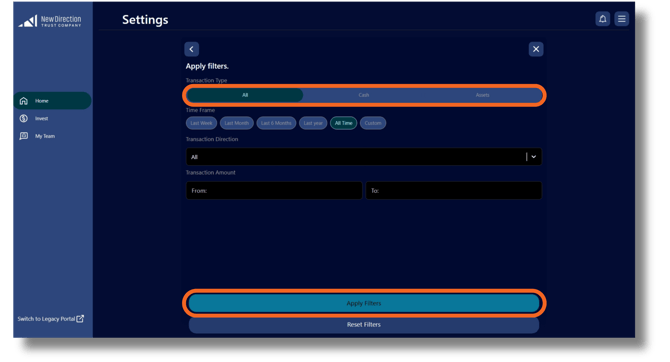
- Use filter icon (top right above search bar) to refine results. Apply desired filters to narrow transaction display.
- Click download button (right of filter icon) to export filtered results.